Currently Empty: $0.00




Understanding AI Learning Tools for Kids
What Are AI Tools for Kids?
AI tools for kids are apps, games, and platforms that use artificial intelligence to adjust learning to each child.
Instead of a one-size-fits-all worksheet, AI watches how a child answers, how quickly they respond, and where they struggle—then quietly tweaks the difficulty, pacing, and type of questions in real time.
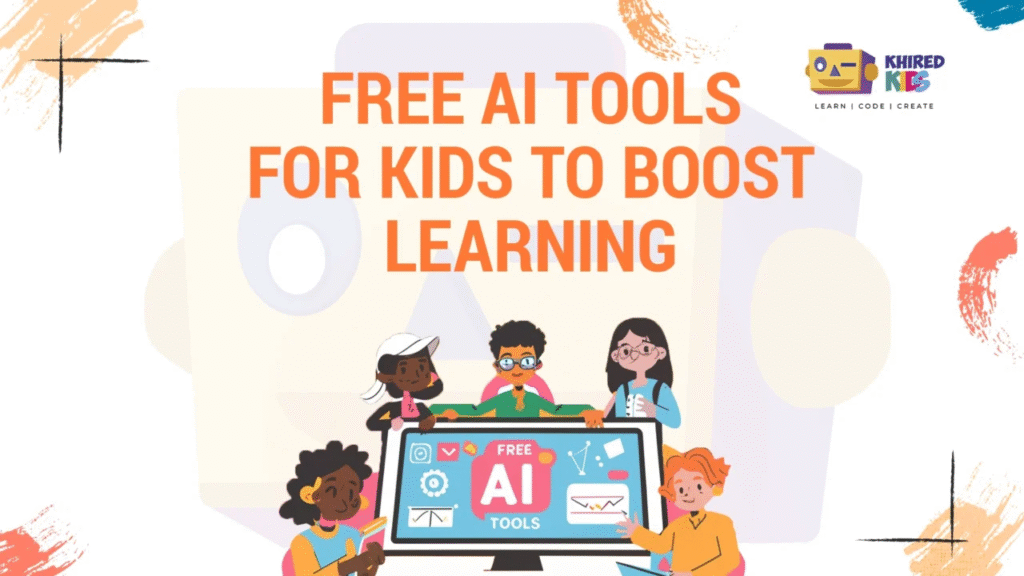
Think of it as a super-attentive tutor that never gets tired of repeating the same explanation in a slightly different way.
Why AI Makes Learning More Fun and Personalised
Kids get bored when things are too easy and frustrated when things are too hard. AI tools sit in the sweet spot between the two:
- They adapt difficulty based on performance.
- They turn learning into quests, challenges, and games, not just tests.
- They offer instant feedback, so kids don’t wait days to know what they got wrong.
In short, AI makes learning feel less like homework and more like a level-up game.
Key Benefits of AI Learning Apps for Children
- Personalised learning paths – every child moves at their own pace.
- Higher engagement – interactive stories, avatars, and rewards keep kids hooked.
- Confidence building – small, consistent wins make kids feel “I can do this.”
- Future-ready skills – coding, problem-solving, and digital literacy from an early age.
How to Choose the Right AI Tool for Your Child
Age, Interests, and Learning Style
Before downloading “the best” app you find on a list, ask:
- How old is my child?
- Are they more into stories, puzzles, building, or games?
- Do they like to work alone or with others?
For example, a 6-year-old who loves stories might enjoy Khan Academy Kids or Duolingo ABC, while a 10-year-old who loves adventures might prefer Prodigy Math Game or Minecraft: Education Edition.
Safety, Privacy, and Screen-Time Balance
Look for:
- Child-friendly design (no chat with strangers, clear parental controls).
- Transparent privacy policy.
- The option to limit daily usage or turn off notifications.
And remember: AI learning time doesn’t have to be endless. Even 15–20 focused minutes a day can make a difference.
Signs a Tool Is Actually Helping (Not Just Entertaining)
A great AI tool should:
- Help your child explain what they learned in simple words.
- Show visible progress (levels, skills, or dashboard reports).
- Make your child more curious, not just more glued to the screen.
If your child leaves the app and wants to talk about it or draw something related, that’s a very good sign.
Khan Academy Kids & Khanmigo – A Friendly All-Round Tutor
What It Is?
Khan Academy Kids is a free learning app for ages roughly 2–8, packed with colourful characters, stories, and mini-games covering reading, math, and social-emotional learning.
Khan Academy’s broader ecosystem also includes Khanmigo, an AI tutor that offers step-by-step guidance, hints, and explanations in a conversational way.
Why Kids Love It
- The app feels like a cartoon playground rather than a school worksheet.
- Characters cheer kids on and gently guide them when they’re stuck.
- AI adjusts difficulty, so kids aren’t bombarded with questions that are too hard or too easy.
Best For Which Ages and Subjects
- Ages 2–8.
- Great for early reading, phonics, basic math, shapes, and emotions.
- Perfect for parents who want something research-backed, free, and low-stress.
Duolingo Kids & Duolingo ABC – Language Learning Like a Game
How AI Personalises Language Practice
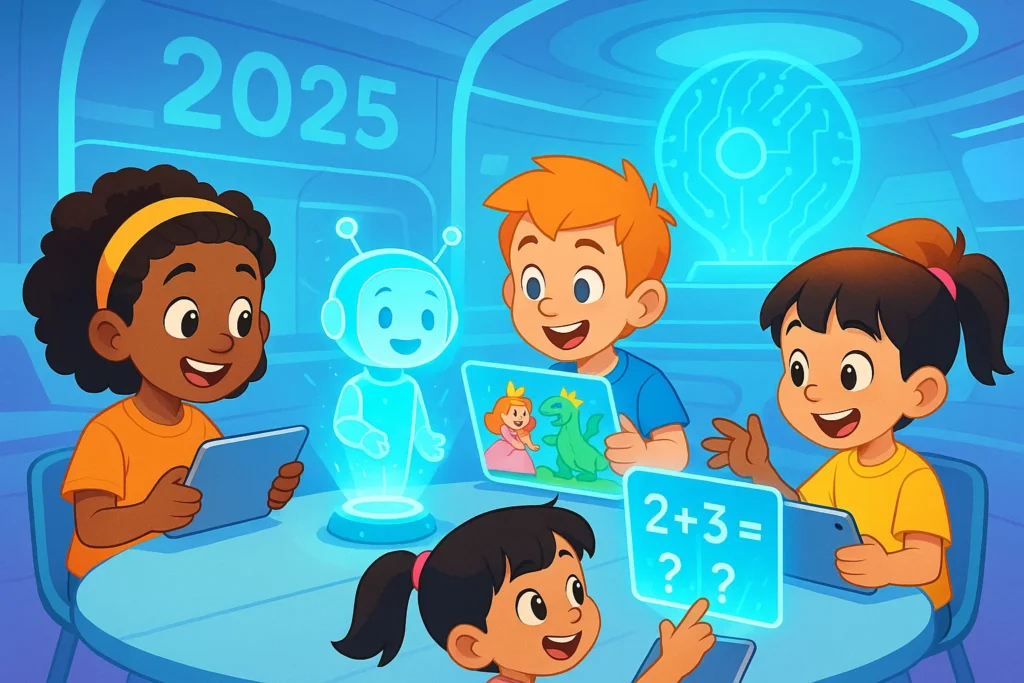
Duolingo and its kids’ versions (like Duolingo ABC and Duolingo Kids) use AI to track mistakes, adjust question difficulty, and repeat words or patterns that your child hasn’t mastered yet.
If your child struggles with a word, the app doesn’t scold—it circles back later in a playful way.
Fun Features That Keep Kids Coming Back
- Streaks, gems, and cute characters that celebrate progress.
- Bit-sized lessons that feel like rounds in a game, not long classes.
- Voice recognition so kids can speak the language, not just tap answers.
Tips for Parents to Support Language Learning
- Set a tiny, realistic daily goal (e.g., 1–2 lessons a day).
- Let your child “teach” you new words they learn.
- Use words from the app during daily routines (“Let’s say ‘apple’ in Spanish while we cook!”).
Prodigy Math Game – An Epic Math Adventure
RPG-Style Learning Powered by AI
Prodigy turns math into a fantasy role-playing game (RPG).
Kids battle monsters, collect pets, and explore worlds—but every attack or move is powered by solving math questions.
Behind the scenes, AI tracks each answer, adjusting question difficulty so your child is challenged just enough.
How It Adapts to Your Child’s Level
- If your child breezes through questions, it quietly moves them up.
- If they hit a wall, the game drops down a notch, offering more practice on weaker topics.
- Teachers and parents get reports on skills mastered and topics needing review.
Keeping the Fun–Learning Balance
Because Prodigy feels like a true game, it can be very immersive. Use it as:
- A reward after homework.
- A weekend math adventure instead of random screen time.
- A gentle way to help math-anxious kids build confidence.
Kahoot! Kids & DragonBox – Game Shows and Math Magic
From Live Quizzes to Deep Math Understanding
Kahoot! Kids lets children join multiple-choice quiz games full of music, timers, and bright visuals.
It’s like turning the living room into a family game show.
Paired with DragonBox apps (now under Kahoot!), kids can dive into numbers, algebra, geometry, and even chess, all hidden inside story-driven games.
How AI Keeps Questions Challenging but Not Overwhelming
- AI analyses which questions kids answer quickly or slowly.
- It uses that data to suggest appropriate difficulty levels and topics.
This creates an experience where kids feel stretched—but not stressed.
Perfect Ways to Use It at Home or in Class
- Family quiz nights using Kahoot!
- Short DragonBox sessions focusing on one concept (like equations or shapes).
- Teacher-led group sessions where kids compete but still learn cooperatively.
Scratch & AI Extensions – Learn Coding and AI by Creating
Drag-and-Drop Coding Kids Can Understand
Scratch (and ScratchJr for younger kids) use block-based programming so children can snap together logic like puzzle pieces.
No typing complex code—just drag, drop, and see characters move, talk, and interact.
Introducing AI Concepts with Machine Learning Blocks
With AI/ML extensions and tools like Teachable Machine or Scratch ML add-ons, kids can:
- Train simple models using pictures, sounds, or poses.
- Make games that react to facial expressions or hand gestures.
- Learn what “training data” and “patterns” are in a very visual way.
Project Ideas to Spark Creativity
- A game where a character smiles when the camera sees a smile.
- A quiz bot that recognises spoken words.
- A story where characters react differently based on your movements.
Scratch + AI is like giving your child a digital LEGO set for building their own smart worlds.
Minecraft: Education Edition – Build, Explore, and Learn with AI
Why Kids Don’t Realise They’re Learning
In Minecraft: Education Edition, kids explore blocky worlds, complete quests, and solve challenges.
Hidden in those challenges? Math, history, coding, and science concepts.
AI-inspired lesson packs and NPCs (non-player characters) can guide kids, give hints, or check answers.
Using AI Worlds and Lesson Packs
Teachers and parents can access:
- Ready-made worlds that cover topics like fractions, ecosystems, or ancient civilisations.
- Coding challenges using block-based or text-based programming.
- Quests that require logical thinking and collaboration.
Skills Kids Build While They Play
- Problem-solving – figuring out how to complete missions.
- Collaboration – working with classmates or siblings.
- Creativity – building structures, experiments, and machines.
Minecraft becomes a digital sandbox for both play and deep learning.
CodeSpark Academy – Coding Without Words
How It Uses AI to Guide Young Learners
CodeSpark Academy is designed for young kids who may not read yet.
Instead of words, it uses visual cues and puzzles to teach programming logic.
AI monitors how kids solve levels and nudges them towards the next concept at just the right time.
Turning Puzzles into Programming Logic
Kids drag and drop commands to help characters solve problems. Without realising it, they’re learning:
- Sequencing
- Loops
- Conditionals
- Debugging
These are the same core ideas professional programmers use—just wrapped in a cute, kid-friendly package.
Ideal Ages and Learning Outcomes
- Perfect for ages 5–9 who are curious about coding.
- Great starting point before moving on to Scratch, robotics, or more advanced coding tools.
Google Read Along – An AI Reading Buddy
Real-Time Feedback on Reading
Google Read Along listens as kids read aloud and uses speech recognition to highlight words they get right or struggle with.
Instead of guessing whether they’re reading correctly, kids get instant, friendly feedback.
Encouraging Reluctant Readers
- The app features a cheerful character that cheers kids on.
- Stories are short and colourful, keeping attention without overwhelming them.
- AI repeats tricky words and offers gentle corrections, almost like a patient reading coach.
Building Confidence, Not Just Speed
The goal isn’t to create super-fast readers. It’s to help kids:
- Feel less afraid of mistakes.
- Hear how words should sound.
- Build fluency step by step.
Quizlet with Q-Chat – Smart Flashcards and AI Tutor
From Static Cards to Interactive Conversations
Quizlet started as digital flashcards, but with Q-Chat, it now includes an AI tutor that can ask follow-up questions, explain answers, and adapt to your child’s understanding.
Instead of “flip, flip, flip,” kids can now chat with the content.
How AI Spots Weak Spots and Fills the Gaps
- The AI notices which terms your child keeps missing.
- It revisits those terms in different ways—multiple choice, typing, or open questions.
- It can adjust the level of explanation to be simpler or more detailed.
Great Use Cases for Homework and Revision
- Learning vocabulary for science, history, or languages.
- Preparing for quizzes and tests.
- Reinforcing concepts from school without printing endless flashcards.
Brickit – Turning LEGO Bricks into AI-Powered Creativity
How It Works with AI Recognition
Brickit uses AI to scan a pile of LEGO bricks and suggest models your child can build with exactly what they have.
Kids pour their bricks out, scan them, and within seconds get a list of possible builds—complete with step-by-step guides.
From Random Bricks to Structured Problem-Solving
This isn’t just play:
- Kids must follow instructions, step by step.
- They learn spatial reasoning as they rotate bricks and imagine shapes.
- They experience creative problem-solving when pieces are missing and they improvise.
Why This Counts as Learning, Not Just Playing
Brickit combines the tactile joy of physical play with the smart suggestions of AI.
It nudges kids from “I don’t know what to build” to “Wow, look what I made!”
Making the Most of AI Tools as a Parent or Teacher
Setting Simple Goals (Without Killing the Fun)
You don’t need a detailed syllabus. Just pick tiny goals like:
- “10 minutes of math practice three times a week.”
- “One reading session with Read Along every evening.”
- “Build one project a week in Scratch or Minecraft.”
Small, consistent habits beat occasional long marathons.
Co-Learning: Sitting Beside, Not Hovering Above
Kids love when adults join the fun:
- Play a Prodigy battle together.
- Let your child quiz you in Kahoot!.
- Ask them to explain their Scratch or Minecraft creations.
You don’t have to be the expert. Just being curious sends a powerful message: learning is for everyone.
Combining Offline Activities with AI Learning
Blend AI tools with real-world experiences:
- Practice new language words from Duolingo during dinner.
- Draw math problems solved in DragonBox on paper.
- Build LEGO models suggested by Brickit and then make up stories about them.
AI should enhance, not replace, real-life play and human connection.
Common Concerns About AI and Kids’ Learning
“Will AI Make My Child Lazy?”
Not if it’s used well. AI tools are like bicycles for the brain—they help kids go faster and farther, but they still need to pedal. Choose apps that require thinking, solving, creating, and explaining, not just tapping randomly.
“Is Screen Time Always Bad?”
Screen time isn’t all equal. An hour of aimless scrolling is different from 20 minutes of focused reading, coding, or problem-solving. Use AI tools as intentional learning time, and take regular breaks for movement and offline play.
“How Safe Are These Tools?”
Most reputable kids’ AI tools include:
- Child-friendly interfaces
- Limited or no social interaction
- Clear privacy policies and parental controls
Always check app ratings, reviews, and settings—and keep communication open with your child about what they see and do online.
Turning Playtime into Future-Ready Skills
AI isn’t just for robots, tech companies, or sci-fi movies anymore—it’s already sitting quietly inside the apps and games your child loves.
The 10 AI tools we explored—Khan Academy Kids, Duolingo, Prodigy, Kahoot!/DragonBox, Scratch, Minecraft: Education Edition, CodeSpark Academy, Google Read Along, Quizlet with Q-Chat, and Brickit—show how learning can be:
- Personalised
- Playful
- Deeply engaging
- Packed with future-ready skills
The trick isn’t to use everything. It’s to pick one or two that match your child’s age and interests, set simple habits, and join them on the journey.
When learning feels like play, kids don’t just remember more—they start to see themselves as curious, capable, and ready for the future. And that might be the most powerful “AI upgrade” of all.
FAQs
FAQ 1 – What Age Is Best to Start Using AI Learning Tools?
Kids as young as 2–3 years old can start with gentle, story-based apps like Khan Academy Kids or other early learning tools made for toddlers.
The key isn’t age alone—it’s choosing age-appropriate content, keeping sessions short, and staying involved.
FAQ 2 – Are AI Tools a Replacement for Human Teachers?
No. AI tools are helpers, not replacements. They’re great for practice, revision, and extra support, but they can’t replace human warmth, understanding, or classroom relationships. Think of them as extra tutors in your child’s pocket, not a new teacher.
FAQ 3 – How Much Screen Time Is Okay for AI Learning?
There’s no perfect one-size-fits-all number, but many families find that 15–45 minutes of focused, educational screen time a day works well, depending on age. Mix it with offline reading, play, and outdoor time, and always watch how your child behaves after screen time—calm and happy is good, cranky and restless means it’s time to adjust.
FAQ 4 – Are These Tools Safe and Private for Kids?
Most major AI learning apps for kids follow child-safety and privacy standards, especially in regions with strict regulations. Still, you should:
- Check the app’s privacy policy.
- Set up parental controls.
- Use child accounts when available.
- Avoid sharing real names or personal details in usernames.
FAQ 5 – Do I Need to Be Tech-Savvy to Support My Child?
Not at all. Most of these tools are built to be simple and intuitive, even for non-techy parents. Start by:
- Trying the app yourself for 5–10 minutes.
- Asking your child to “show you around.”
- Focusing on progress and enthusiasm rather than technical details.
- Your curiosity and encouragement matter more than your tech skills.