Currently Empty: $0.00




Why AI Courses for Kids Are Booming in 2025
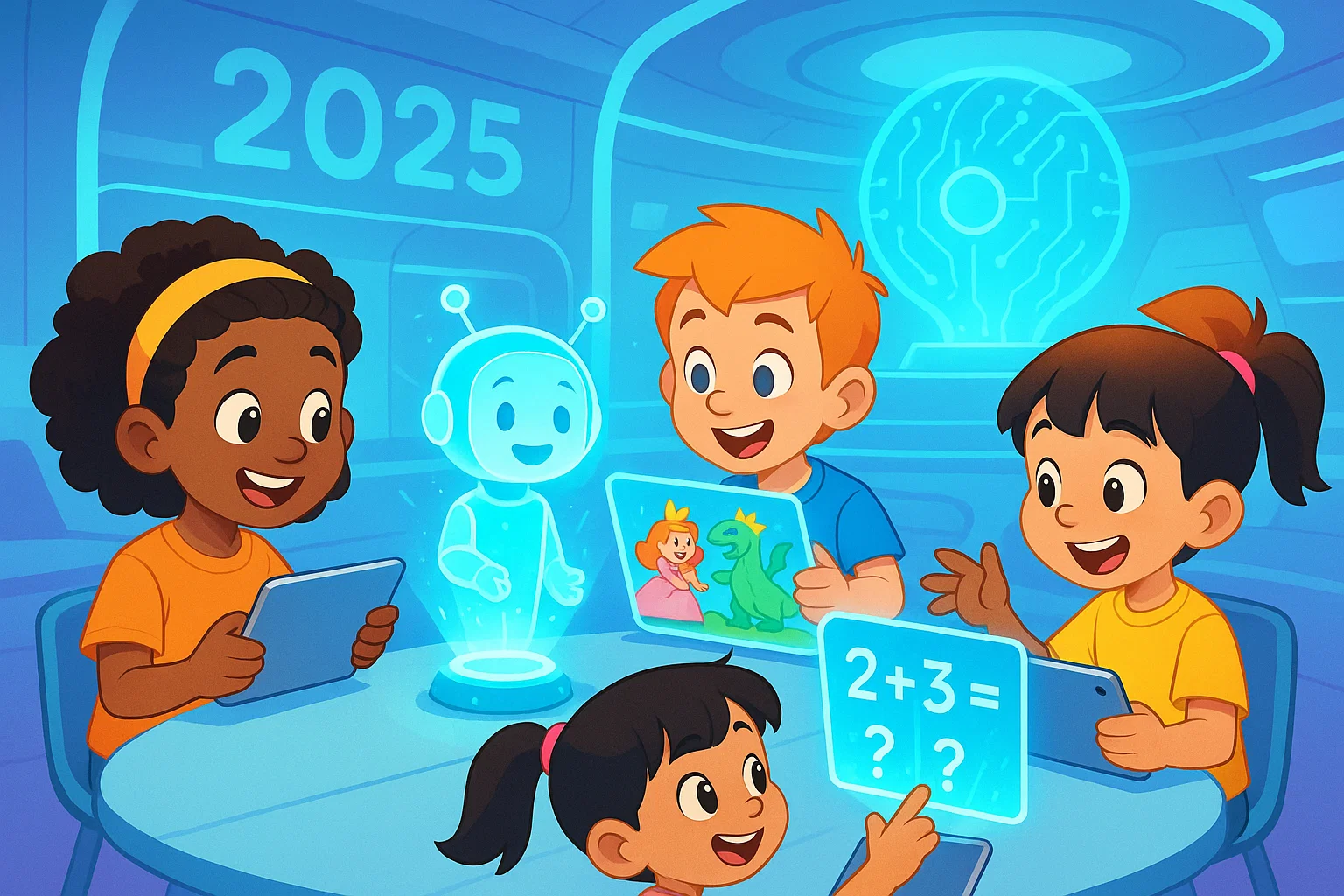
In 2025, AI for kids has moved from being a futuristic idea to something many families are actively investing in.
Parents don’t just want their children to “use” technology; they want them to understand it, shape it, and use it responsibly. That’s where AI courses for kids come in.
These courses are designed to be playful, visual, and age-appropriate, turning big ideas like machine learning and automation into simple, hands-on projects. Instead of just watching screens, kids are learning how smart tools think, how digital assistants work, and how to create with AI rather than just consume it.
What Makes an AI Course “Top-Rated” for Kids?
Before looking at specific types of courses parents are buying in 2025, it helps to know what makes a program truly stand out. The highest-rated AI for kids courses usually have these features:
- Age-appropriate design: Concepts like “teaching a computer” instead of “training a model.”
- Hands-on projects: Kids build chatbots, image classifiers, or simple games using AI tools.
- Visual, block-based coding: Drag-and-drop interfaces so kids can focus on ideas, not syntax errors.
- Ethics and safety built in: Discussions about fairness, privacy, kindness, and digital responsibility.
- Short, engaging lessons: 10–20 minute chunks with clear goals and visible results.
- Support for non-technical parents: Clear guides, dashboards, and “talking points” to discuss with kids.
“I loved that I didn’t need a tech background. My 9-year-old explained some of the AI concepts to me after class!” – Parent of a 3rd grader
Best AI Starter Courses for Younger Kids (Ages 7–10)
For younger children, the goal is curiosity, not complexity. Top-rated AI starter courses in 2025 focus on play, storytelling, and big ideas in tiny bites.
1. Storytelling with AI Characters
These beginner courses let kids create short stories or comics with the help of AI. Children describe a character, choose a setting, and the AI suggests plot ideas or illustrations. Kids learn that AI is a “helpful assistant,” not a magical mind.
Skills built: Creativity, language skills, early AI literacy, problem-solving.
Parent tip: Ask your child, “What did you decide, and what did the computer decide?” This helps them separate human creativity from AI assistance.
2. Intro to Machine Learning with Pictures
Another popular course type has kids “teach” a computer to recognize basic images, like smiles vs. frowns, cats vs. dogs, or different colored objects. Using simple tools, kids upload or select images and see how the AI starts making predictions.
Skills built: Pattern recognition, logic, understanding that AI learns from data.
Kid-friendly analogy: It’s like training a friend to play “Guess Who?” The more examples you show, the better they get.
Top AI + Coding Courses for Tweens (Ages 10–13)
For tweens, AI courses start blending coding concepts with real-world applications. The best ones stay visual and project-based but introduce more structure and challenge.
3. AI-Powered Games with Block Coding
In these courses, kids build simple games using a Scratch-style environment, then plug in AI features. For example, a character that responds to voice commands, or a game that changes difficulty based on the player’s behavior.
Skills built: Logical thinking, algorithm design, basic AI integration, debugging.
Classroom use: Teachers often run these as after-school clubs, where students form teams and present their final games to parents.
4. Chatbots and Virtual Assistants for Beginners
Chatbot-building classes are another top pick in 2025. Kids design a friendly helper for a specific purpose—like a homework reminder bot or a “kindness coach” that suggests positive messages.
They learn how to:
- Ask clear questions
- Plan possible user responses
- Guide the conversation in useful directions
Skills built: Communication, design thinking, structured thinking about conversations.
Future relevance: This mirrors how many companies design real customer support bots today.
Advanced AI Pathways for Teens (Ages 13–16)
For older learners, top-rated AI courses in 2025 go a bit deeper, while still using clear language and lots of examples. Many programs now offer guided “tracks” so teens can explore AI over several months.
5. Applied Machine Learning for Teens
These courses introduce core ideas like training data, bias, and evaluation in a gentle way. Teens might build:
- A model that predicts whether a movie review is positive or negative
- A tool that suggests music genres based on mood
- A simple system that classifies handwritten digits
Skills built: Critical thinking, data literacy, math application, early research skills.
Parent role: You don’t need to understand all the math. Instead, ask questions like, “What could go wrong if your data was unfair?” to deepen their thinking.
6. AI for Social Good Projects
Many of the most highly rated teen courses now include an “AI for good” angle. Students pick a real-world problem—like recycling, accessibility, or bullying—and brainstorm how AI tools might help.
Example projects:
- A chatbot that checks in on students’ moods and suggests self-care ideas
- An image-based system to help sort recycling correctly
- A tool that helps non-native speakers check if their writing sounds polite and clear
Skills built: Empathy, ethics, project planning, collaboration.
Key Features Parents Are Looking For in 2025
As AI becomes more common, parents are asking better questions about course quality and safety. Top-rated programs share several important traits:
- Clear safety policies: Child-friendly platforms, moderated chats, and privacy protections.
- AI ethics woven throughout: Fairness, bias, and kindness discussed in age-appropriate ways.
- Visible progress: Dashboards, certificates, and sharable projects help kids feel proud.
- Flexible schedules: Short, weekly sessions that fit around school and activities.
- Real human mentors: Instructors or coaches who know how to encourage shy or anxious learners.
How to Choose the Right AI Course for Your Child
Every child is different, and the “top” course is the one that fits their personality, not just their age. Here are some simple steps to pick wisely:
1. Match the Course to Your Child’s Interests
If your child loves drawing, look for AI art, storytelling, or animation. If they enjoy strategy games, an AI + game design course may click better. Interest first; difficulty second.
2. Check the Learning Style
Some kids thrive in live, small-group classes where they can ask questions. Others prefer self-paced videos they can rewatch. The best platforms in 2025 often offer both options.
3. Look for Ethics and Reflection
The most meaningful AI courses don’t just teach “how,” they also ask “should we?” and “how can we use this kindly?” Look for mentions of digital citizenship, fairness, and responsibility in the course description.
4. Start Small, Then Build
Try a short workshop or 4-week mini-course first. If your child finishes excited and asking for more, you can move into longer tracks that go deeper into AI, coding, or robotics.
Practical Ways Parents Can Support AI Learning at Home
You don’t need a technical background to support your child. Small, everyday actions can make a big difference.
- Talk about AI in daily life: Voice assistants, recommendation systems, and filters are simple places to start.
- Ask open-ended questions: “How do you think this app decides what to show you?”
- Encourage building, not just browsing: Balance passive screen time with creative time in their AI course or related projects.
- Celebrate effort, not just results: Praise them for debugging, persisting, and asking questions.
“Once we started talking about how AI works, my daughter began seeing technology as something she could change, not just accept.” – Middle school parent
How AI Courses Build Future-Ready Skills
AI courses are about much more than algorithms. They quietly build a powerful bundle of future skills:
- Critical thinking: Questioning how tools work and who they might affect.
- Creativity: Using AI as a partner in art, writing, music, and design.
- Collaboration: Planning and building projects with classmates or teammates.
- Problem-solving: Breaking big challenges into small, testable steps.
- Confidence with technology: Moving from “I’m not a tech kid” to “I can learn this.”
Whether your child becomes an engineer, teacher, artist, or entrepreneur, understanding AI will help them navigate a world where smart tools are everywhere.
Conclusion
In 2025, parents aren’t just asking, “Should my child learn AI?” They’re asking, “Which AI course will help my child grow as a thinker, creator, and kind digital citizen?”
The top-rated AI for kids courses today focus on curiosity, creativity, and responsibility. They turn abstract concepts into stories, games, and projects that kids are proud to show off. With thoughtful guidance and the right program, AI becomes a playground for learning, not a pressure-filled race.
You don’t need to be an expert to get started. Choose a course that matches your child’s interests, stay curious alongside them, and let AI become one more tool that helps their confidence and imagination bloom.
FAQs
1. At what age should kids start learning about AI?
Many children can start exploring basic AI ideas around ages 7–8 through stories, games, and visual tools. At this age, focus on simple concepts like patterns, “teaching” a computer, and thinking about kindness and fairness. Deeper coding and machine learning projects typically work best from ages 10 and up, depending on the child’s interest and reading level.
2. Do kids need strong math skills to take an AI course?
No. Most AI courses designed for kids in 2025 hide the heavy math and focus on intuition: patterns, examples, and cause-and-effect. Basic comfort with numbers and logical thinking helps, but curiosity is far more important. As kids get older and more advanced, they can gradually connect AI concepts to school math at their own pace.
3. How much screen time do AI courses usually require?
Most popular AI for kids courses use 60–90 minute sessions once or twice a week, with optional extra practice. Because the time is active and creative—building, testing, and discussing—it’s different from passive screen time. You can balance it by encouraging off-screen breaks, hands-on activities, and conversations about what they’re learning.