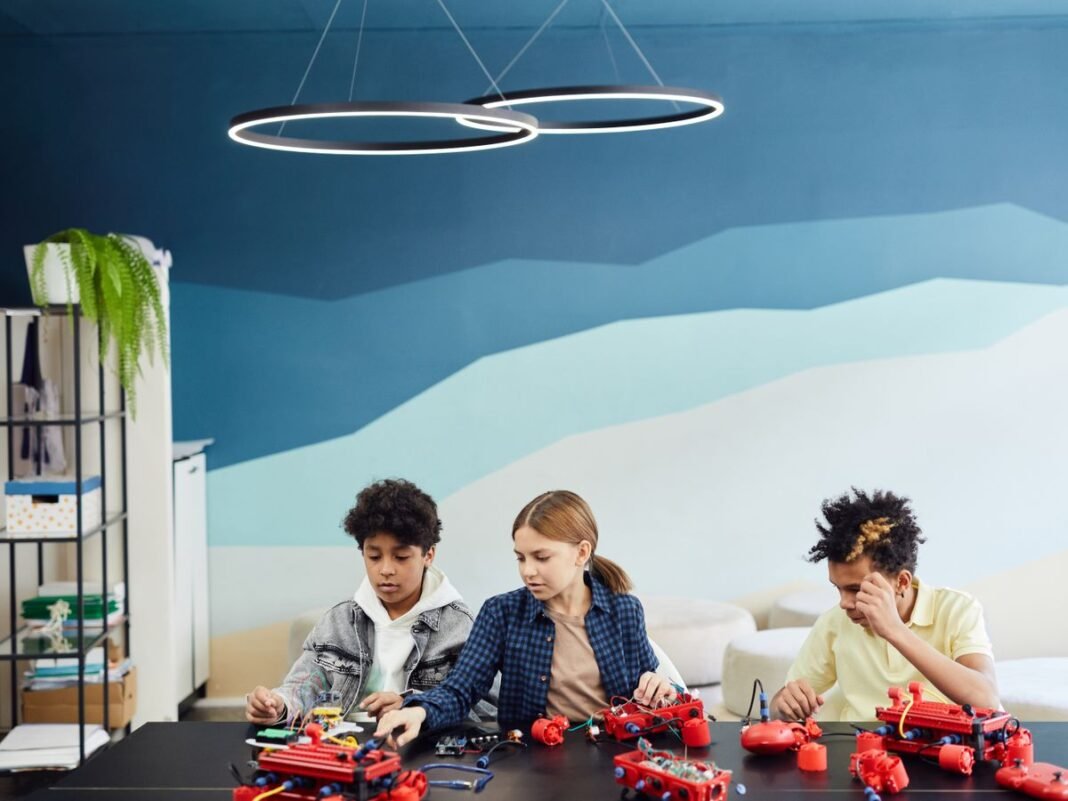
These AI projects for kids turn artificial intelligence from an abstract idea into something children can test. Each activity is designed for a weekend session, with an adult nearby to help with accounts, cameras, privacy settings and troubleshooting. The goal is not a perfect result. It is learning why models succeed, fail and sometimes behave unfairly.
AI Projects for Kids: What You Need Before Starting
You do not need weeks of study to build something with AI. These five projects can each be completed in a single afternoon, require no prior coding experience and use free, browser-based tools. They are perfect for kids aged eight and up who want to see what artificial intelligence can really do — by building it themselves.
Project 1: Train an Image Classifier with Teachable Machine
Time: 30 to 60 minutes
Tool: Google Teachable Machine (free, browser-based)
Ages: 8 and up
Train your own AI to recognise different objects using your webcam. You will create categories (like “thumbs up” vs “thumbs down” vs “peace sign”), show the AI examples of each and watch it learn to tell them apart in real time.
How to Build It
- Go to teachablemachine.withgoogle.com and select “Image Project.”
- Create two or three classes (categories). Name them — for example, “Cat” and “Dog” if you have pets, or “Happy Face” and “Sad Face.”
- Use your webcam to capture 30 to 50 sample images for each class. Move around, change angles and vary the background.
- Click “Train Model” and wait about 30 seconds.
- Test it live — hold up different objects or make different expressions and watch the AI classify them in real time.
What You Will Learn
This project teaches how AI learns from training data. Try giving one class only five images and another fifty — you will see how data quantity affects accuracy. Try training it in perfect lighting, then testing in dim light — you will discover how real-world conditions challenge AI. These are the exact problems professional AI engineers solve every day.
Project 2: Build a Rock-Paper-Scissors AI
Time: 45 to 90 minutes
Tool: Google Teachable Machine + Scratch
Ages: 9 and up
Combine Teachable Machine with Scratch to build a game where the AI recognises your hand gestures and plays rock-paper-scissors against you.
How to Build It
- Train a Teachable Machine model with three classes: Rock (fist), Paper (open hand) and Scissors (two fingers).
- Export the model and note the shareable link.
- Open Scratch and use the Teachable Machine extension (available in some Scratch forks like ML Scratch) to connect your model.
- Program the game logic: when the AI detects your gesture, the computer randomly picks its own move and determines the winner.
- Add scoring, sound effects and animations to make it a polished game.
What You Will Learn
This project connects AI perception (recognising gestures) with game logic (determining a winner). It shows how AI can be integrated into interactive applications — the same principle behind facial recognition, gesture controls and augmented reality.
Project 3: Create an AI Sound Detector
Time: 30 to 45 minutes
Tool: Google Teachable Machine (Audio Project)
Ages: 8 and up
Train an AI to recognise different sounds — clapping, snapping, whistling, your voice saying specific words or even musical instruments.
How to Build It
- Open Teachable Machine and select “Audio Project.”
- Create classes for different sounds: “Clap,” “Snap,” “Whistle” and “Background Noise.”
- Record 20 to 30 short audio samples for each class.
- Train the model and test it by making different sounds into your microphone.
- Challenge: Can the AI tell the difference between two family members saying the same word?
What You Will Learn
This project demonstrates how voice assistants like Siri and Alexa work. They use similar audio classification to detect wake words, understand speech and distinguish between speakers. You will also learn why background noise makes AI less accurate — a real engineering challenge.
Project 4: Write a Story with AI, Then Make It Better
Time: 45 to 60 minutes
Tool: ChatGPT or any AI writing assistant (with parental supervision for under 13s)
Ages: 10 and up
Use AI to generate a short story, then critically edit and improve it yourself. This project teaches both how generative AI works and why human creativity still matters.
How to Build It
- Give the AI a creative prompt: “Write a 300-word adventure story about a robot who discovers a hidden underwater city.”
- Read the story carefully. Mark what works and what does not.
- Rewrite the story yourself, keeping the parts you like and improving the rest. Add better descriptions, stronger characters and a more surprising ending.
- Compare the two versions side by side. Which is better? Why?
- Bonus: Ask the AI to rewrite its own story in a different style (funny, scary, poetic) and compare all three versions.
What You Will Learn
AI generates text by predicting likely word sequences — which produces competent but often generic writing. Human writers add originality, emotion and surprise that AI struggles to replicate. This project shows children that AI is a starting point, not a finished product.
Project 5: Build a Bias Detective Experiment
Time: 30 to 45 minutes
Tool: Google Teachable Machine
Ages: 9 and up
Deliberately train a biased AI model, then investigate how and why it fails. This is one of the most important lessons in AI — understanding bias.
How to Build It
- Create an image classifier with two classes: “Fruit” and “Not Fruit.”
- For the “Fruit” class, only use images of red apples — nothing else.
- Train the model and test it with a red apple. It should work perfectly.
- Now test with a banana, a green apple, an orange or a bunch of grapes. Does the AI recognise them as fruit?
- Discuss: Why did the AI fail? What would you need to change in the training data to fix it?
What You Will Learn
AI systems are only as good as their training data. If the data is narrow, biased or unrepresentative, the AI will make narrow, biased decisions. This is exactly how bias enters real-world AI systems — from hiring algorithms that discriminate to medical AI that performs worse on certain populations. Understanding this makes children more critical and responsible AI users.
What to Do Next
Once you have completed these five projects, you have a solid foundation in how AI perceives images and sounds, generates text and can be biased by its training data. From here, you can explore more advanced AI projects with Python, dive into machine learning with Scratch AI extensions or start building AI-powered apps.
Find more project ideas on our Artificial Intelligence hub and explore the complete AI guide for kids.
Sources and Further Reading
BrainyBloomClub reviews child-facing technology guidance against current provider information and established child-safety resources. Last reviewed: August 2026.
Next step: Explore the Artificial Intelligence hub, Digital Safety hub or STEM Projects hub for related age-guided resources.